The sidebar displays a togglable “Use relative mouse” option.
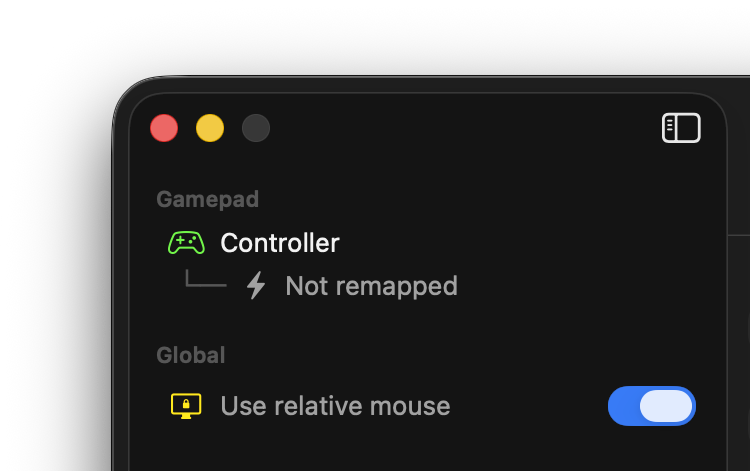
This setting toggles between two modes of mouse movement.
- When relative mouse is disabled (default), the mouse pointer is physically moved around the screen. This is usually what you want.
-
When relative mouse is enabled, the mouse pointer is moved virtually. This mainly is for letting you interact with apps that implement their own mouse lock.
A good example is the browser-based FPS Kirka.io: To play the game using a Recontrol-mapped gamepad, you have to full-screen the game and enable Recontrol’s relative mouse mode.